
How to Calculate Take Home Pay in 2026
Quick Answer
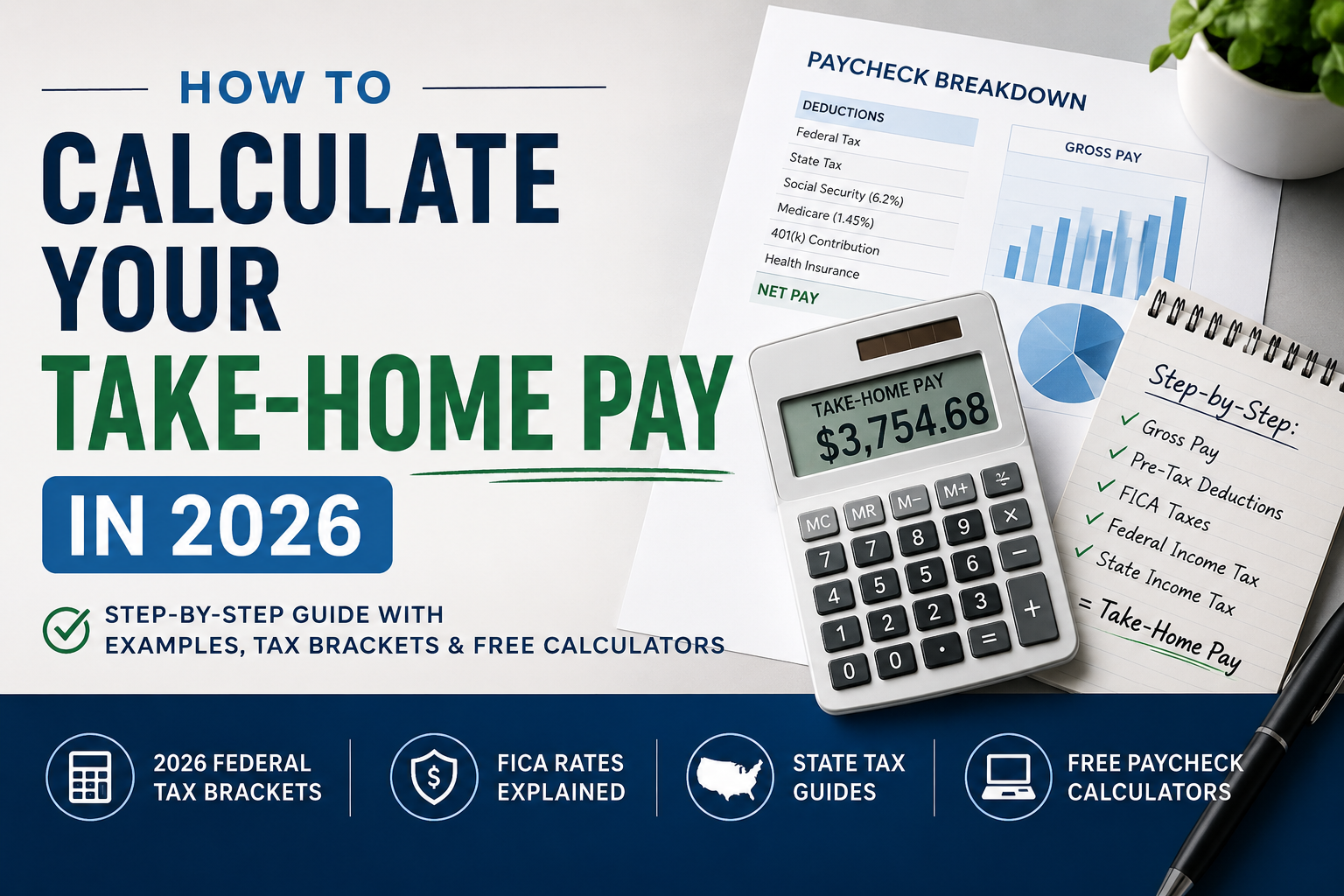
Take-home pay is your gross pay minus federal income tax, Social Security, Medicare, state or local tax where applicable, and any payroll deductions. If you want a fast estimate, use the take-home pay calculator or the paycheck calculator instead of doing the math by hand.
If you know your salary but do not know what actually lands in your bank account, you are not alone. Gross pay looks simple on paper, but your real paycheck depends on taxes, deductions, filing status, state rules, and how often you are paid.
This guide shows how to calculate take-home pay in 2026 using a simple step-by-step method. It also explains the difference between gross and net pay, what usually reduces a paycheck, and when to use USAJobsKit tools to get a faster estimate.
What take-home pay means
Gross pay is the amount you earn before taxes and deductions. That could be an annual salary like $75,000 or hourly pay like $30 per hour.
Net pay, often called take-home pay, is the amount left after payroll withholding and deductions. This is the number that matters when you are making a budget, comparing job offers, or checking whether a raise will actually improve your monthly cash flow.
Simple rule: Gross pay is what you earn. Take-home pay is what you keep.
Gross pay vs net pay
The difference between gross and net pay comes from several layers of withholding. For many workers, the biggest items are federal income tax, Social Security, Medicare, and state income tax if their state taxes wages.
| Pay term | What it means | Example |
|---|---|---|
| Gross pay | Pay before taxes and deductions | $75,000 salary |
| Taxable income | Income after certain pre-tax deductions and deductions used in tax calculations | Gross pay minus eligible adjustments |
| Take-home pay | Cash left after withholding and payroll deductions | What reaches your bank account |
If you only need a quick conversion between salary and pay periods, start with the salary calculator. If you want a more direct estimate of what you keep, the net pay calculator and gross to net calculator are more useful.
Step-by-step: how to calculate take-home pay
Here is a practical way to estimate take-home pay by hand for a W-2 employee. This will not replace a full payroll system, but it will give you a strong estimate.
Step 1: Start with gross pay
Use your annual salary or your expected annualized wages if you are hourly. Example: $75,000 per year.
Step 2: Subtract pre-tax payroll deductions
Common pre-tax deductions include health insurance, HSA contributions, and some other employer benefits. Traditional 401(k) contributions reduce federal taxable income, but do not reduce Social Security and Medicare wages in the same way as all cafeteria-plan deductions.
Step 3: Estimate federal income tax
The IRS kept the same seven tax rates for 2026 and adjusted the bracket thresholds for inflation. The 2026 standard deduction is $16,100 for single filers, $32,200 for married filing jointly, and $24,150 for head of household.
Step 4: Add Social Security and Medicare
For employees, Social Security is generally 6.2% up to the annual wage base and Medicare is 1.45% on all wages, with Additional Medicare Tax rules applying at higher income levels. Reporting on the 2026 adjustment places the Social Security wage base at $184,500.
Step 5: Add state and local tax if they apply
This is where take-home pay can change a lot between states. Some states do not tax wages, while others use flat or progressive income tax systems.
Step 6: Divide by your pay frequency
Once you estimate annual take-home pay, divide it by 52 for weekly pay, 26 for biweekly pay, 24 for semimonthly pay, or 12 for monthly pay.
Worked example
Assume a single employee earns $75,000 per year, contributes $4,500 to a traditional 401(k), and pays $2,400 per year for pre-tax health insurance. The exact answer will vary by state and payroll setup, but this shows the overall process.
| Item | Estimated amount |
|---|---|
| Gross pay | $75,000 |
| Traditional 401(k) | -$4,500 |
| Health insurance | -$2,400 |
| Federal income tax | Estimated based on filing status and taxable income |
| Social Security and Medicare | Estimated from payroll tax rules |
| State tax | Varies by state |
| Estimated take-home pay | Usually much lower than gross pay |
If you want the actual estimate instead of a manual framework, use the take-home pay calculator or browse the full salary tools section for related calculators.
What reduces your paycheck
Most paychecks shrink for the same few reasons:
- Federal income tax withholding. This depends on your pay, filing status, and withholding setup.
- Social Security and Medicare. These payroll taxes apply to employee wages and are often the easiest paycheck line items to spot.
- State income tax. Not every state taxes wages, but many do.
- Local taxes. Some cities or local jurisdictions add their own withholding.
- Pre-tax deductions. Health coverage, HSA contributions, and some benefit elections reduce taxable pay.
- Post-tax deductions. Wage garnishments, Roth retirement contributions, and some voluntary deductions may come out after tax.
Good habit: Check your pay stub line by line instead of relying on gross salary alone. That is often the fastest way to understand why two jobs with similar pay can produce different take-home amounts.
How to estimate take-home pay faster with USAJobsKit tools
If you only want a quick answer, calculators are much faster than manual tax math. Different tools are useful for different situations.
Take-Home Pay Calculator
Best for estimating what you actually keep after common taxes and deductions.
Open the take-home pay calculatorPaycheck Calculator
Best when you want a per-paycheck view instead of just an annual estimate.
Open the paycheck calculatorSalary Calculator
Useful for converting salary into hourly, weekly, monthly, or annual pay periods.
Open the salary calculatorSelf-Employment Tax Calculator
Useful if you are comparing W-2 wages with 1099 contractor income.
Open the self-employment tax calculatorExample scenarios
Scenario 1: Salaried worker in a no-income-tax state
A worker earning $85,000 in a state with no tax on wages will usually keep more than a worker with the same salary in a high-tax state. Federal withholding and FICA still apply, but state withholding may not.
Scenario 2: Hourly worker with overtime
If you are hourly, your take-home pay can shift more from week to week because overtime changes gross wages. A paycheck-based estimate is often more useful than relying on a simple annual salary figure.
Scenario 3: Remote worker comparing states
A move between states can change take-home pay even if salary stays the same. That is why state-level paycheck tools are useful when comparing relocation options.
Scenario 4: 1099 contractor vs W-2 employee
A contractor usually handles a larger share of payroll tax responsibility directly. If you are considering freelance or contract work, compare the numbers with the self-employment tax calculator before assuming the same gross pay means the same take-home pay.
Common mistakes
- Using gross pay as your budgeting number. Gross pay is useful for offers and job listings, but not for personal cash flow.
- Ignoring state taxes. State rules can change your net pay more than many people expect.
- Forgetting pre-tax deductions. Benefits and retirement elections can change your tax picture and your cash paycheck.
- Mixing up marginal and effective tax rates. A tax bracket does not mean every dollar you earn is taxed at that same rate.
- Comparing W-2 and 1099 pay without adjusting for taxes. The gross number alone is not enough.
FAQ
How much of my salary will I actually take home in 2026?
For many US workers, take-home pay lands somewhere around 65% to 75% of gross pay. The exact number depends on your filing status, state, pre-tax deductions, and payroll withholding.
Why is my paycheck smaller than my salary suggests?
Your paycheck is smaller because employers withhold federal income tax, Social Security, Medicare, and in many cases state or local taxes. Pre-tax benefits like health insurance and retirement contributions can also reduce the cash that reaches your bank account.
How do bonuses affect take-home pay?
Bonuses are often withheld differently from regular wages. In many cases, employers use the federal supplemental wage withholding method, which commonly applies a 22% flat withholding rate, with a higher rate on amounts above $1 million.
How does state tax change my net pay?
State income tax can make a noticeable difference in take-home pay. Workers in states with no tax on wages usually keep more than workers in states with higher income tax rates.
How can I increase my take-home pay without changing jobs?
You may be able to improve take-home pay by reviewing your W-4 withholding, checking your pre-tax benefit elections, and comparing how retirement or HSA contributions affect your taxes. The best choice depends on your own pay, benefits, and tax situation.
What is the fastest way to estimate take-home pay?
The fastest way is to use a paycheck or take-home pay calculator that factors in federal taxes, FICA, state taxes, and common deductions. That gives you a more useful estimate than relying on gross salary alone.
Sources
- IRS 2026 tax inflation adjustments
- IRS Publication 15 (Employer’s Tax Guide)
- 2026 Social Security wage base reporting
Final takeaway
If you are trying to compare jobs, check a raise, or plan a budget, gross salary is only the starting point. The more useful number is what you keep after withholding and deductions.
You can estimate the result by hand, but it is usually faster to use the right tool for the job. For most readers, the best starting point is the take-home pay calculator or the paycheck calculator.
Run your own numbers
Enter your salary, state, and deductions to get a clearer estimate of what you may actually take home.
Disclaimer: This article is for general educational purposes only and does not provide tax, legal, or financial advice. Tax rules, withholding settings, and state requirements can change. Check current IRS and state guidance or speak with a qualified professional before making personal tax decisions.





5 Comments