
Pay Frequency Guide: Weekly, Biweekly, Semimonthly, and Monthly Pay Explained
Quick Answer
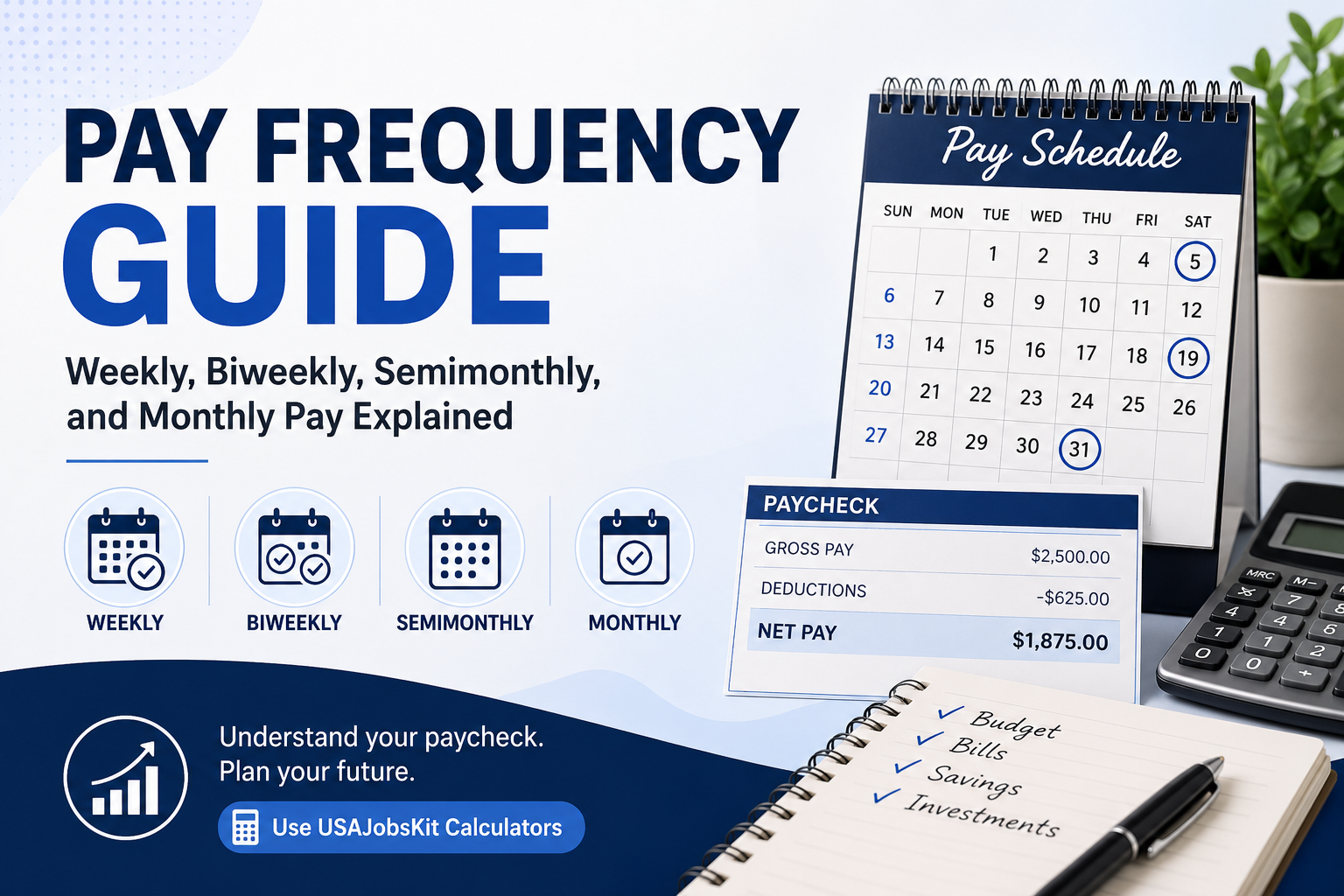
Pay frequency is how often your employer pays you. The most common schedules are weekly (52 checks per year), biweekly (26 checks per year), semimonthly (24 checks per year), and monthly (12 checks per year). Your total yearly salary stays the same if the annual amount is the same, but pay frequency changes your cash flow, budgeting style, and how each paycheck feels. To see how each schedule looks for your own pay, you can use the Weekly Pay Calculator, Biweekly Pay Calculator, Semimonthly Pay Calculator, and Take Home Pay Calculator.
Two jobs can offer the exact same annual salary but feel very different to live on if one pays weekly and the other pays monthly.
Understanding pay frequency helps you compare job offers more fairly, avoid cash flow surprises, and build a budget that matches your actual paydays.
This guide walks through each major pay schedule, how many checks you get, how big they are likely to be, and how to use USAJobsKit tools to turn any salary into a paycheck plan that works for you.
What is pay frequency?
Pay frequency is simply how often you receive your paycheck from your employer over the course of a year.
In most roles you cannot choose the schedule yourself, but you can choose how to manage it once you understand it.
| Pay frequency | Paychecks per year | Typical pattern |
|---|---|---|
| Weekly | 52 | Paid once every week (for example, every Friday). |
| Biweekly | 26 | Paid every two weeks (every other Friday). |
| Semimonthly | 24 | Paid twice a month (for example, 15th and last day). |
| Monthly | 12 | Paid once a month (often on the 1st or last day). |
Your employer’s choice may depend on industry norms, payroll costs, and local regulations, but from your side, what matters is how that schedule lines up with your bills and savings goals.
How pay frequency affects paycheck size
Assume you earn a salary of $52,000 per year. Here is how your gross pay per check changes with each pay schedule, before taxes and other deductions.
| Pay frequency | Checks per year | Approx. gross per check |
|---|---|---|
| Weekly | 52 | $1,000 |
| Biweekly | 26 | $2,000 |
| Semimonthly | 24 | ≈ $2,166.67 |
| Monthly | 12 | ≈ $4,333.33 |
Over a full year you still receive $52,000 total; the pay frequency just slices that annual amount into different sized pieces.
If you want to see the breakdown for your own salary, you can start with the Salary Calculator and then plug your number into the weekly, biweekly, and semimonthly calculators.
Weekly pay
Weekly pay means you are paid once every week, giving you 52 paychecks per year.
It is common in hourly roles, shift work, and some industries where schedules change frequently.
Pros of weekly pay
- Frequent cash flow: Money arrives every week, which can help if your budget is tight or if you are aggressively paying down debt.
- Fast feedback: Overtime or extra shifts show up in your next check quickly.
- Weekly budgeting: Some people find it easier to plan spending by week (for example, groceries, gas, pocket money).
Cons of weekly pay
- More admin: You are tracking 52 paydays each year, which can feel messy without a system.
- Monthly bills mismatch: Rent and many utilities are monthly, so you must decide which weekly checks will cover which bigger expenses.
- Smaller checks: Each individual paycheck is smaller, which some people find psychologically harder to manage.
If you are paid weekly, you can use the Weekly Pay Calculator together with your state’s Paycheck Calculator to see your estimated weekly take-home pay after taxes.
Biweekly pay
Biweekly pay means you are paid every two weeks, usually on the same weekday, such as every other Friday, for a total of 26 checks per year.
This is one of the most common pay schedules in the US.
Pros of biweekly pay
- Good balance: Paychecks are larger than weekly ones but still frequent enough to keep cash flowing.
- “Extra paycheck” months: Each year usually includes two months where you receive three paychecks instead of two, which can be great for saving or big purchases.
- Predictable pattern: Paydays always fall on the same weekday, making it easier to plan direct debits.
Cons of biweekly pay
- Calendar mismatch: Because months are not exactly four weeks long, paydays do not always align neatly with month-end bills.
- Budgeting confusion: Without a plan, it is easy to treat “third paycheck” months like bonus money instead of using them intentionally.
To analyze biweekly pay, start with your annual salary in the Biweekly Pay Calculator, then see your net per paycheck in the Take Home Pay Calculator.
Semimonthly pay
Semimonthly pay means you are paid twice each month on fixed calendar dates, often the 15th and the last day of the month, giving you 24 paychecks a year.
Pros of semimonthly pay
- Aligns with monthly bills: Because the dates are fixed, it is easy to schedule rent, mortgage, and other monthly payments around your paycheck dates.
- Fewer pay periods: Only 24 paydays a year makes long term budgeting simpler.
Cons of semimonthly pay
- Unequal pay gaps: The time between checks is not always equal (for example, from the 31st to the 15th vs 15th to 31st).
- No “extra” paycheck months: Unlike biweekly, there are never months with a third paycheck.
You can convert your salary into semimonthly pay using the Semimonthly Pay Calculator, then check your net income per check with your state’s paycheck tool.
Monthly pay
Monthly pay means you receive one paycheck each month, usually on the same calendar date, for a total of 12 paychecks per year.
This is more common in some salaried and professional roles.
Pros of monthly pay
- Big paychecks: Each check is larger, which can feel satisfying and makes it easy to pay all major monthly bills at once.
- Simple mapping: One paycheck per month pairs naturally with a one month budget.
Cons of monthly pay
- Long gaps: You must stretch each paycheck across the entire month, which requires discipline and some savings buffer.
- Hard at the beginning: If you do not yet have an emergency fund, waiting a full month between checks can be stressful.
You can use the Salary Calculator to see your monthly gross pay and then plug it into the Take Home Pay Calculator to estimate your net monthly income.
Does pay frequency change your yearly take-home pay?
If your annual salary, tax situation, and deductions are the same, your total yearly take-home pay will be roughly the same regardless of pay frequency.
What changes is how your gross salary and deductions are split across each paycheck.
There can be small differences due to rounding and the way benefits are calculated per pay period, but over a full year those differences usually even out.
The bigger impact is psychological and practical: how easy it feels to match your paydays to your bills.
How to choose between pay frequencies (when you have a choice)
Most of the time your employer chooses the schedule, but occasionally you can pick between options or compare job offers with different pay frequencies.
Here is how to think about it.
Choose weekly if…
You want very frequent cash flow, are focused on debt payoff, or prefer to budget in small weekly chunks.
Choose biweekly if…
You want a balance between check size and frequency and like the idea of occasional “extra paycheck” months.
Choose semi/monthly if…
You are comfortable with longer gaps between checks and like aligning your pay with big monthly bills.
When comparing offers, convert each salary into the same frequency and then look at net pay using the same assumptions so you are comparing apples to apples.
Using USAJobsKit tools to understand your pay frequency
Here is a simple workflow to turn any pay frequency into clear, usable numbers.
- Find or estimate your annual salary
Use the Hourly to Salary Calculator if you are paid hourly or the Salary Calculator if you know your yearly salary. - Convert to your pay frequency
Open the Weekly Pay Calculator, Biweekly Pay Calculator, or Semimonthly Pay Calculator based on how often you are paid. - Estimate your take-home pay
Plug your annual salary into the Take Home Pay Calculator and your state’s Paycheck Calculator to see your net pay per check. - Build a budget around paydays
List your big monthly bills and assign them to specific paychecks so you know which check covers what. - Adjust if your pay frequency changes
If you switch jobs or your employer changes schedules, run the new numbers through the same calculators and update your budget plan.
Turn your pay frequency into a clear paycheck plan
Use USAJobsKit salary and paycheck calculators to see exactly how your pay schedule translates into weekly, biweekly, or monthly take-home income.
Disclaimer: This guide is for general educational purposes only and does not provide financial, legal, or tax advice. Actual pay, taxes, and deductions depend on your employer’s policies and your location. Always review your own pay stub and consult a qualified professional if you need personal advice.




One Comment