
How to Use USAJobsKit to Plan Your Salary and Career
Quick Answer
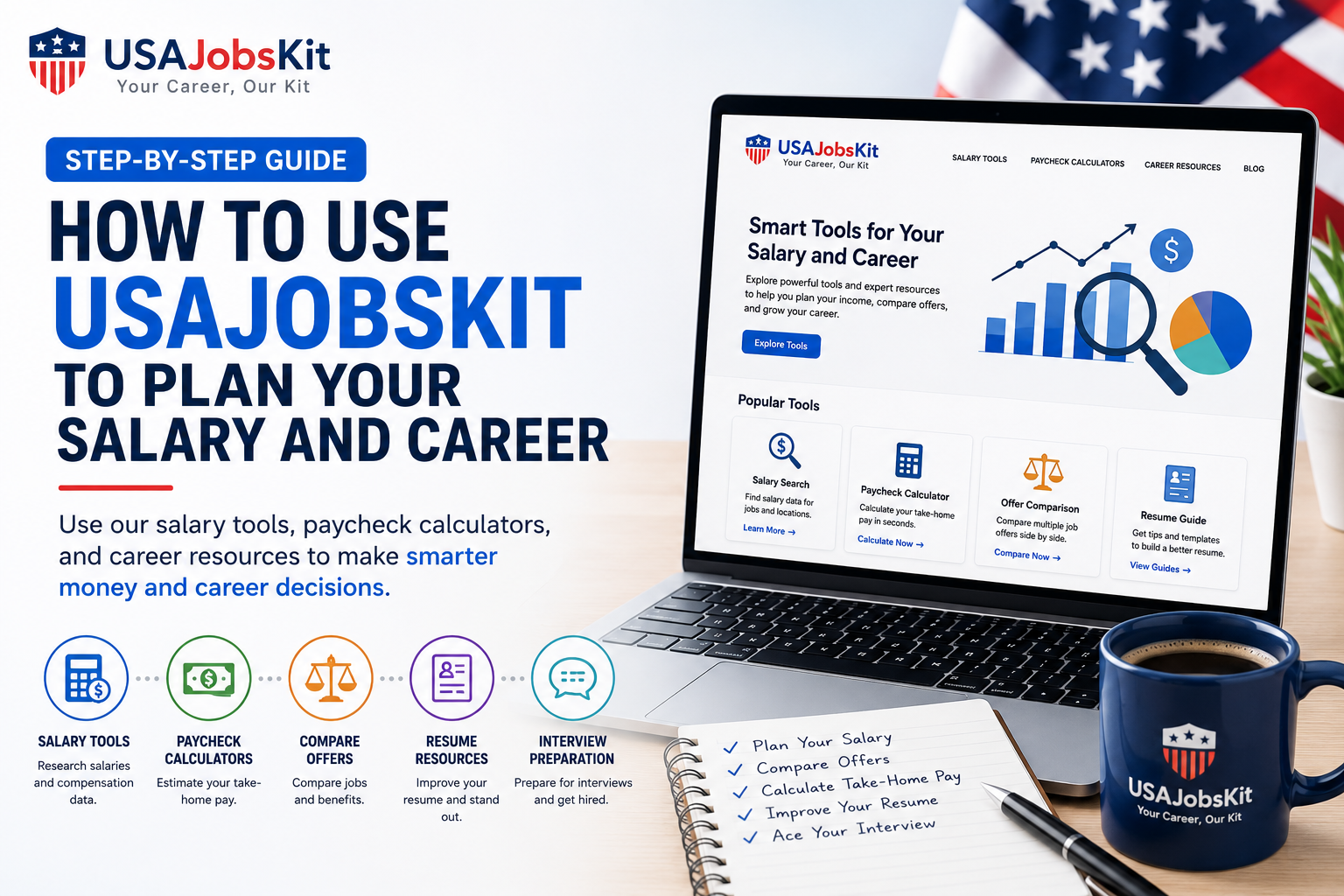
USAJobsKit is designed to answer three big questions for you: how much you really earn, whether a job offer is good for you, and how to present yourself better to get that offer. You can use the Salary Tools to understand your income, the Paycheck Calculators to see take home pay by state, and the Interview, Resume, Cover Letter, and LinkedIn Tools to improve how you show up to employers.
Most job sites help you apply for roles, but they do not always help you understand what those jobs mean for your day to day money and long term career. USAJobsKit fills that gap by giving you simple calculators and writing tools that you can use at every step of your journey, from the first salary idea to signing an offer and preparing for interviews.
This guide shows you how to use USAJobsKit step by step depending on what you want to do: plan your income, compare offers, prepare your resume and profile, and practice interview answers.
Step 1: Get a clear picture of your current pay
The first step in planning your salary and career is to understand where you are right now. USAJobsKit has a full set of salary and paycheck tools that make this very easy.
1.1 Convert your pay into yearly, monthly, and hourly numbers
If you are paid hourly, you may want to know how that translates into a yearly salary. If you are on a salary, you may want to see the hourly equivalent to compare with other jobs.
- Use the Hourly to Salary Calculator to turn your hourly rate into annual, monthly, weekly, and daily pay.
- Use the Salary to Hourly Calculator to turn a yearly salary into an hourly rate for comparisons.
- For a quick one page reference, you can also check articles like $25 an Hour Is How Much a Year or $35 an Hour Is How Much a Year that already have the math done for you.
1.2 Understand your take home pay
Gross salary is helpful, but your real life is based on what hits your bank account after taxes and deductions. To see that number:
- Start with the Take Home Pay Calculator to estimate your net pay after federal tax, state tax, and FICA.
- If you want to go line by line, use the Paycheck Calculator along with our guide How to Read Your Paycheck Stub to match each line on your stub.
- For more detail on taxes, visit the Payroll Tax Calculator, Income Tax Calculator, FICA Tax Calculator, and Medicare Tax Calculator.
By the end of this step you know your salary in different formats and you have a realistic range for your monthly take home pay.
Step 2: Compare offers and scenarios before you say yes
Once you understand your current situation, the next question is usually “Is this new job or raise really better than what I have now?” USAJobsKit can help you compare offers in a structured way.
2.1 Compare salary offers across states and pay schedules
Different offers may have different salaries, states, and pay frequencies. To compare them:
- Use the Salary Calculator to double check each salary and see it per month, week, or day.
- Choose the relevant state tool from the Paycheck Calculators page to see how much you would actually take home in each location.
- Use the Pay Frequency Calculator and the Weekly, Biweekly, and Semimonthly Pay Calculators to understand cash flow.
This way you are not just looking at “$70,000 in State A versus $72,000 in State B”, you are looking at the difference in real money after taxes and pay schedules.
2.2 Factor in overtime, bonuses, and benefits
Many jobs include overtime, shift differentials, bonuses, or commissions that can significantly change your actual income. USAJobsKit has tools for each of these:
Overtime and extra hours
Use the Overtime Calculator, Time and a Half Calculator, and Salary with Overtime Calculator to see how extra hours change your yearly income.
Bonuses and commissions
Use the Bonus Tax Calculator, Bonus Paycheck Calculator, Commission Calculator, and Supplemental Wages Calculator to understand how performance pay shows up on your checks.
401(k) and other benefits
Use the Paycheck After 401k Calculator and After Deductions Paycheck Calculator to see how retirement and other benefits reduce today’s pay but grow your future.
If you are comparing two offers, it often helps to write them out and run both through the same set of tools. One offer may be higher on paper but lower after taxes and benefits.
Step 3: Plan raises and career milestones
Career planning is not only about the next offer. It is also about how your income might grow over time. USAJobsKit includes tools to help you plan and negotiate raises and promotions.
3.1 See what a raise really means in your pocket
Before you ask for a raise, it helps to know what you are asking for in both gross and net terms.
- Use the Salary Increase Calculator and Pay Raise Calculator to see what a 5 percent, 10 percent, or 15 percent increase would do to your annual and monthly gross pay.
- Then run those new numbers through the Take Home Pay Calculator so you can say “This raise would increase my take home pay by about $X per month”.
If your raise or new job includes a signing bonus or a change from hourly to salary, combine these tools with the bonus and hourly to salary calculators from Step 2.
3.2 Explore salary ranges in your profession
To plan longer term, it helps to know what people in your field usually earn at different experience levels. USAJobsKit has occupation specific salary calculators, such as:
- Nurse Salary Calculator
- Software Engineer Salary Calculator
- Teacher Salary Calculator
- Truck Driver Salary Calculator
- Electrician Salary Calculator
- Plumber Salary Calculator
You can pair these with longer articles like our $25 an Hour and $35 an Hour breakdowns to see how specific hourly rates convert into yearly pay and whether they line up with your career goals.
Step 4: Upgrade your resume, cover letter, and LinkedIn profile
Knowing your numbers is only half of the story. The other half is presenting yourself in a way that helps you actually get the roles and salaries you are targeting. USAJobsKit has dedicated tools for this.
4.1 Build a stronger resume
Your resume is often the first thing employers see. USAJobsKit has several tools that help you create stronger, more targeted resumes:
Resume Summary Generator
Creates a concise summary section based on your role and experience. You can reuse similar language in your LinkedIn Summary and in your “Tell me about yourself” interview answer.
Resume Headline Generator
Helps you write a short, eye catching headline that communicates your role and value quickly.
Resume Bullet Point Generator
Turns your responsibilities into quantified bullet points, which you can also reuse in STAR interview stories.
Resume Keywords Generator
Extracts relevant keywords from job descriptions so your resume matches what employers and ATS systems are looking for.
Once you have a draft resume, you can scan it against a specific job description using the Resume Keyword Scanner.
4.2 Write better cover letters
Cover letters still matter, especially when you want to stand out or explain a career change. USAJobsKit offers:
- Cover Letter Generator for general roles.
- Job Specific Cover Letter Generator that uses a specific job description.
- Cover Letter Template Generator if you need a reusable structure.
If you are leaving a job, there are also dedicated tools for professional resignations, such as the Resignation Letter Generator, Two Weeks Notice Letter Generator, and Immediate Resignation Letter Generator.
4.3 Optimize your LinkedIn presence
LinkedIn is often the first place recruiters look you up. USAJobsKit helps you upgrade your profile quickly:
LinkedIn Headline Generator
Helps you write a clear headline that tells people what you do and why you are valuable.
LinkedIn Summary Generator
Creates an “About” section that aligns with your resume summary and your salary goals.
Professional Bio Generator
Useful for bios on company websites, portfolios, or conference proposals.
LinkedIn Post Generator
Helps you publish posts that show your expertise and keep your profile active.
For outreach and networking, the LinkedIn Connection Message Generator can help you write polite, targeted connection requests and follow up messages.
Step 5: Practice your interview answers with real structure
When you start getting interviews, the salary and resume work you have done becomes the foundation for your answers. USAJobsKit’s interview tools help you turn your experience into clear, confident stories.
5.1 Master common interview questions
Start with the questions that almost every employer asks:
- Tell Me About Yourself Generator to build a strong opening answer that ties your background to the role.
- STAR Interview Answer Builder to turn your accomplishments into Situation Task Action Result stories.
You can support these answers by pulling bullet points from your resume that you created with the Resume Bullet Point Generator and your resume summary.
5.2 Align your answers with your salary plan
Your salary and career planning work shows up in interview questions like “What are your salary expectations?” and “Where do you see yourself in five years?” You can use your earlier calculations to answer confidently without guessing.
- Use your results from the Take Home Pay Calculator and Salary Calculator to decide on a realistic target range.
- Know what hourly or yearly numbers make sense in your location by reviewing the “$XX an Hour Is How Much a Year” guides on your site.
When your interview answers and your salary expectations are based on real numbers rather than guesses, you come across as more prepared and professional.
Putting it all together: a simple workflow
If you want a simple path to follow, you can use USAJobsKit in this order:
- Use Hourly to Salary or Salary Calculator to understand your starting point.
- Use the Take Home Pay Calculator and your state paycheck calculator to see real net pay.
- Use raise and bonus tools like Salary Increase Calculator and Bonus Tax Calculator to plan better offers.
- Upgrade your application materials with the Resume Tools, Cover Letter Tools, and LinkedIn Tools.
- Practice your answers using the Interview Tools so you can talk about your experience and salary expectations clearly.
Start planning your salary and career with USAJobsKit
Pick one area to improve today: understand your pay, compare an offer, upgrade your resume, or practice your interview answers. The tools are ready when you are.
Disclaimer: USAJobsKit tools are for general educational and planning purposes only. They do not provide tax, legal, or financial advice. Always check with your employer, pay stub, and qualified professionals before making major financial decisions.