
How to Answer “Tell Me About Yourself” in an Interview (With Examples)
Quick Answer
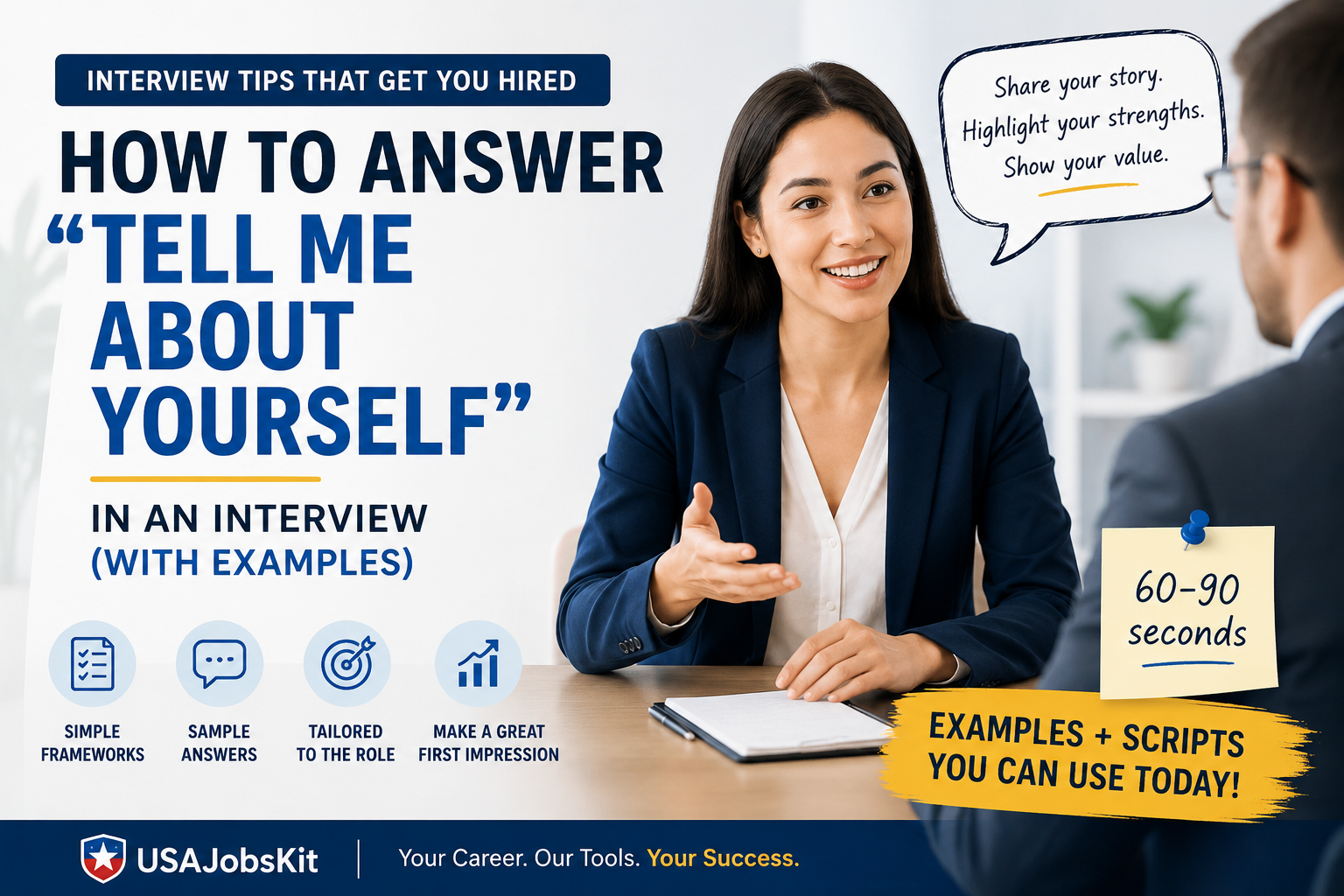
The best way to answer “Tell me about yourself” is to give a short, job‑focused story that connects your present role, your past experiences, and your future goals to the exact role you are interviewing for. Aim for 60–90 seconds, not your whole life story. If you are not sure where to start, you can build a draft answer with the Tell Me About Yourself Generator and refine it from there.
“So… tell me about yourself.” It sounds simple, but this one question makes more people freeze than almost anything else in a job interview. You are not alone if you have ever wondered “Do they want my entire background? Just my job? My hobbies? How personal should I be?”
The good news is that you do not need a perfect personality or a dramatic story to answer this question well. You only need a clear structure, a few relevant highlights, and some practice. This guide walks you through a simple framework, real examples, and practical tools to help you build an answer that sounds like you—just your best, interview‑ready version.
What interviewers are really asking
Most employers already have your resume and LinkedIn profile. When they say “Tell me about yourself,” they are not asking you to read it back to them. What they really want to know is:
- Can you explain who you are professionally in a clear, confident way?
- Do you understand what this role needs and how you fit?
- Are you someone they can imagine working with every day?
Think of this question as your trailer. It is the 60–90 second preview that makes them want to watch the whole movie not the entire movie itself.
That is why your answer should be focused, forward‑looking, and tailored to the job—not a random list of facts.
A simple 3‑step framework (Present → Past → Future)
One of the easiest ways to structure your answer is the Present → Past → Future framework. It is simple, flexible, and works whether you are a student, an experienced professional, or changing careers.
- Present: Start with your current role or situation and the most relevant responsibilities or strengths.
- Past: Briefly connect to one or two past experiences that support your fit for this job.
- Future: End by explaining why you are excited about this role and how it fits your goals.
You can use the STAR Interview Answer Builder to outline the “past” and “achievements” parts of your story before you compress them into this short format.
Example: Strong vs weak answer
Unfocused answer
“Well, I was born in Chicago. I’ve always liked computers and I’ve done a little bit of everything over the years. I’ve worked in sales, operations, and marketing, and I really enjoy working with people. In my free time I like traveling, movies, and reading. I’m a hard worker and I think I’d be great here.”
Focused answer
“I’m currently a customer success specialist at a SaaS company, where I help mid‑market clients get value from our platform and renew their contracts. Over the last three years I’ve consistently hit renewal targets above 95% and led a small project to simplify our onboarding emails.
Before that, I worked in support, which taught me how to translate technical issues into clear, simple explanations. That experience made me realize I enjoy the relationship‑building side of the job as much as the problem‑solving.
Now I’m excited about this customer success manager role at your company because it combines account ownership, data‑driven insights, and cross‑functional work with product and sales. I’d love to bring my experience keeping customers happy and turning feedback into improvements to this team.”
The second answer is stronger because it is short, specific, and directly tied to the role. It does not list everything the candidate has ever done, only what matters for this job.
Step‑by‑step: build your own answer
You can build a strong answer in four steps. If you want help brainstorming phrases or bullet points for each step, you can draft them using the Resume Summary Generator or the LinkedIn Summary Generator and then adapt them for spoken language.
1. Start with your present
Answer questions like:
- What is your current role or main focus?
- What type of work do you spend most of your time on?
- What is one thing you are known for at work?
Example openers:
- “I’m currently a [job title] at [company], where I focus on…”
- “Right now, I’m finishing my degree in [field] and interning at [company], where I…”
- “Most recently, I’ve been working as a freelance [role], helping clients with…”
2. Add one or two past highlights
Here you connect your current situation to relevant past experience. You do not need to recite your entire resume. Pick one or two examples that support your fit for this exact job.
Think about:
- A project where you solved a problem similar to this company’s challenges.
- An achievement that shows you can handle the scope of this role.
- A transition (for example, from school to work or from one industry to another) that makes your story make sense.
If you are not sure which experiences are most relevant, you can map them out using the Resume Bullet Point Generator and then pick the top one or two examples for your verbal answer.
3. Connect to the future and this role
This is the part many people skip. They talk about themselves, but never directly connect back to the company. A strong close usually mentions:
- Why this company and this role caught your attention.
- How your skills or experience match the job description.
- What you hope to do or learn in this position.
Example endings:
- “…which is why I’m excited about this [role] here. It builds on my experience in [X] and gives me the chance to [Y] at a larger scale.”
- “…and this opportunity stood out because of your focus on [area]. I’d love to contribute my background in [skill] to help with [team or goal].”
4. Keep it under 90 seconds
Most strong answers to “Tell me about yourself” land between 60 and 90 seconds. That is enough time to tell a story without losing your interviewer’s attention.
If your answer is much longer, try:
- Removing older or less relevant experiences.
- Turning long explanations into short phrases.
- Practicing with a timer until you can say it smoothly in one breath.
You can even paste your draft into the Tell Me About Yourself Generator to see how it can be tightened or rephrased.
Word‑for‑word answer examples you can adapt
Example 1: Early‑career candidate
“I recently graduated with a degree in marketing from State University, where I focused on digital campaigns and analytics. During my last year, I interned at a local agency and managed social content for three small business clients, including scheduling posts, tracking engagement, and reporting results to the account manager.

That experience showed me how much I enjoy using data to test ideas and improve performance. I’m excited about this junior marketing role here because it combines campaign work, analysis, and collaboration with more experienced teammates. I’d love to bring my experience from the internship and my coursework to help your team grow your brand’s reach.”
Example 2: Mid‑level professional changing companies
“I’m currently a project engineer at Delta Manufacturing, where I lead small cross‑functional teams to deliver process improvements on the production floor. Over the past five years I’ve managed more than 15 projects from scoping through implementation, and I’m proud that several of them helped reduce downtime and improve quality metrics.

Before that, I started my career in a hands‑on maintenance role, which means I’m comfortable translating between technical details and what operators and managers need to know.

Now I’m looking to move into a more formal project management role in a company like yours, where there’s a strong focus on continuous improvement. I’m excited about this opportunity because it combines structured project work, stakeholder communication, and measurable impact on operations.”
Example 3: Career changer
“For the last several years I’ve worked as a school teacher, where I managed classrooms of 25–30 students, designed lessons, and communicated regularly with parents and staff. It taught me a lot about breaking down complex topics, staying organized, and staying calm when things change quickly.

Over the past year I’ve completed a UX design course and built a small portfolio of projects, including redesigning a non‑profit website and testing it with real users. I realized that the parts of teaching I enjoyed most—clarity, structure, and empathy—are also at the heart of good UX.

I’m excited about this UX designer role because it would let me bring that mix of teaching experience and new design skills into a more product‑focused environment, working closely with engineers and product managers.”
You do not need to memorize these examples word for word. Instead, use them as templates and swap in your own role, achievements, and reasons for being interested in the job.
Common mistakes to avoid
1. Telling your life story
Interviewers do not need your entire history from childhood. Focus on the last few years and the parts that fit the job.
2. Repeating your resume line‑by‑line
They already have your resume. Use this answer to tell the story behind it, not read it aloud.
3. Oversharing personal details
A short mention of hobbies is fine. Avoid sensitive topics and keep the main focus on your professional fit.
4. Speaking in vague generalities
“I’m a hard worker” is weak on its own. Add small, concrete examples to make your strengths believable.
5. Forgetting to connect to the role
Always end with why this specific job and company make sense for you right now.
If you are unsure whether your answer is too generic, you can test it by dropping it into the Resume Keywords Generator or Resume Keyword Scanner See if your answer uses some of the same language as the job description—without sounding like you copied it.
How your other materials support this answer
“Tell me about yourself” rarely stands alone. Interviewers usually see your resume, LinkedIn profile, and sometimes your cover letter before they ask this question. The more those materials support the same core story, the easier this question becomes.
Resume Summary Generator
Use it to write a short professional summary. Then reuse the same ideas in the “present” part of your answer.
Cover Letter Generator
Helps you clarify your story on paper, which makes it easier to talk through that same story in the interview.
LinkedIn Summary Generator
Align your LinkedIn “About” section with your answer so everything tells a consistent career story.
STAR Interview Answer Builder
Use it to draft short achievements you can reference when you talk about your past experience.
When your resume, LinkedIn, and interview answer all reinforce the same message, you come across as clear and intentional—not random.
Practicing your answer the right way
The goal is to sound prepared, not memorized. That means you want a clear structure and a few key phrases, but you do not want to recite a script word‑for‑word.
Here is a simple practice routine:
- Draft your answer in bullet points using the Present → Past → Future structure.
- Run the draft through the Tell Me About Yourself Generator to see an alternate phrasing.
- Combine the best parts into a single version that sounds like you.
- Practice saying it aloud while glancing at your bullets, not a full script.
- Record yourself once or twice and make small edits for clarity and length.
If you notice yourself going over two minutes, trim details that are less relevant to this specific job. You can always talk about them later in the interview if the employer asks.
FAQ
How long should my answer to “Tell me about yourself” be?
Most strong answers take 60 to 90 seconds. That is enough time to cover your current role, one or two key experiences, and why you are interested in this job, without losing the interviewer’s attention.
Should I talk about my personal life when answering this question?
You can briefly mention one or two personal interests if they support your story, but the main focus should stay on your professional background and strengths. Avoid sensitive or overly personal topics and keep it relevant to the job.
Do interviewers really care about this question?
Yes. This question helps them see how you communicate, how you think about your career, and whether you can connect your experience to their needs. A clear, confident answer sets a positive tone for the rest of the conversation.
Can I read my answer from a script?
It is better to memorize your structure and a few key lines rather than a full script. Reading can make you sound robotic. Practicing with tools like the Tell Me About Yourself Generator can help you refine your wording while still sounding natural.
How can I practice my answer before the real interview?
Write out your answer in bullet form, then practice saying it aloud to a friend or in front of a camera. You can also draft variations using the Resume Summary Generator or LinkedIn Summary Generator to explore different angles and phrases.
Final takeaway
“Tell me about yourself” does not have to be a trick question. With a simple structure, a few specific examples, and a little practice, you can turn it into an opportunity to guide the interview in your favor.
The most important part is to connect who you are to what the role needs. If your answer makes the interviewer think “I can see exactly where this person fits on our team,” you have done your job.
Next step: Draft your own answer using the Present → Past → Future structure, then paste it into the Tell Me About Yourself Generator to polish the wording before your next interview.
Disclaimer: This article is for general educational purposes only and does not guarantee any specific hiring outcome. Interview practices vary by employer and role. Always review the job description and company information to tailor your answers.



One Comment